EXPANDED IMPORT AND EXPORT FOR ALIBRE DESIGN v28 OR NEWER
Mesh file support – Import & Export
CompuPortAD adds import and export functionality to the “Part” workspace in Alibre Design v28 (or newer) for mesh file formats commonly used in 3D printing and reverse-engineering…
100% Local Processing. Zero Cloud Risk.
CompuPortAD executes entirely on your hardware. Maintain strict compliance with IP protections, NDAs, and corporate security mandates without ever uploading sensitive project data to third-party servers.
Its fully offline licence makes CompuPortAD suitable for secure and dark-site environments, requiring no internet connection or communication with external licence servers — your licence and project data remain entirely under your control.
Why CompuPortAD?
CompuPortAD is an Alibre Design addon for the “Part” workspace that extends Alibre’s import and export capabilities, providing support for otherwise unsupported mesh and legacy file formats.
Designed to bridge the gap between older and modern CAD workflows, CompuPortAD makes it easier to work with legacy projects, models and machines, modernise older designs, preserve and reuse historical data, and bring existing physical or digital parts into a current design environment.
Its capabilities are particularly useful for 3D printing, 3D scanning, reverse engineering, design preservation, restoration and migration of older CAD data. CompuPortAD aims to make the process as close to a “single-click” import pipeline as possible, turning otherwise difficult-to-use legacy mesh data into something you can work with again.
CompuPortAD works exclusively with 3D mesh data, including meshes intended for 3D printing, meshes originating from 3D scanning, reverse engineering, free-form modelling, legacy projects and older CAD systems. It is designed to retain the source geometry whilst processing and consolidating it where appropriate, making existing mesh data practical to work with rather than requiring it to be recreated from scratch.
CompuPortAD does not import CAD surfaces, nor does it attempt to recreate the original parametric CAD model, feature history or design intent. Instead, it ports the processed mesh into a workable “dumb” solid, allowing you to measure, scale, reference, use it in assemblies, or remodel it as required.

How it works…
CompuPortAD processes meshes directly using the time-proven CompuCADCore Mesh Kernel. Rather than globally remeshing or approximating the model, the original mesh is retained while the kernel handles its geometry, connectivity and topology, providing a robust foundation for working with complex and legacy mesh data.
As part of this process, CompuPortAD can handle a range of common mesh irregularities, including certain non-manifold conditions, helping produce a clean and consistent result without requiring a separate mesh-repair workflow.
Suitable coplanar faces are also merged, reducing unnecessary face fragmentation whilst retaining the underlying geometry.
The resulting “dumb” solid is then imported, ready to be measured, scaled, used in assemblies, referenced, or remodelled.
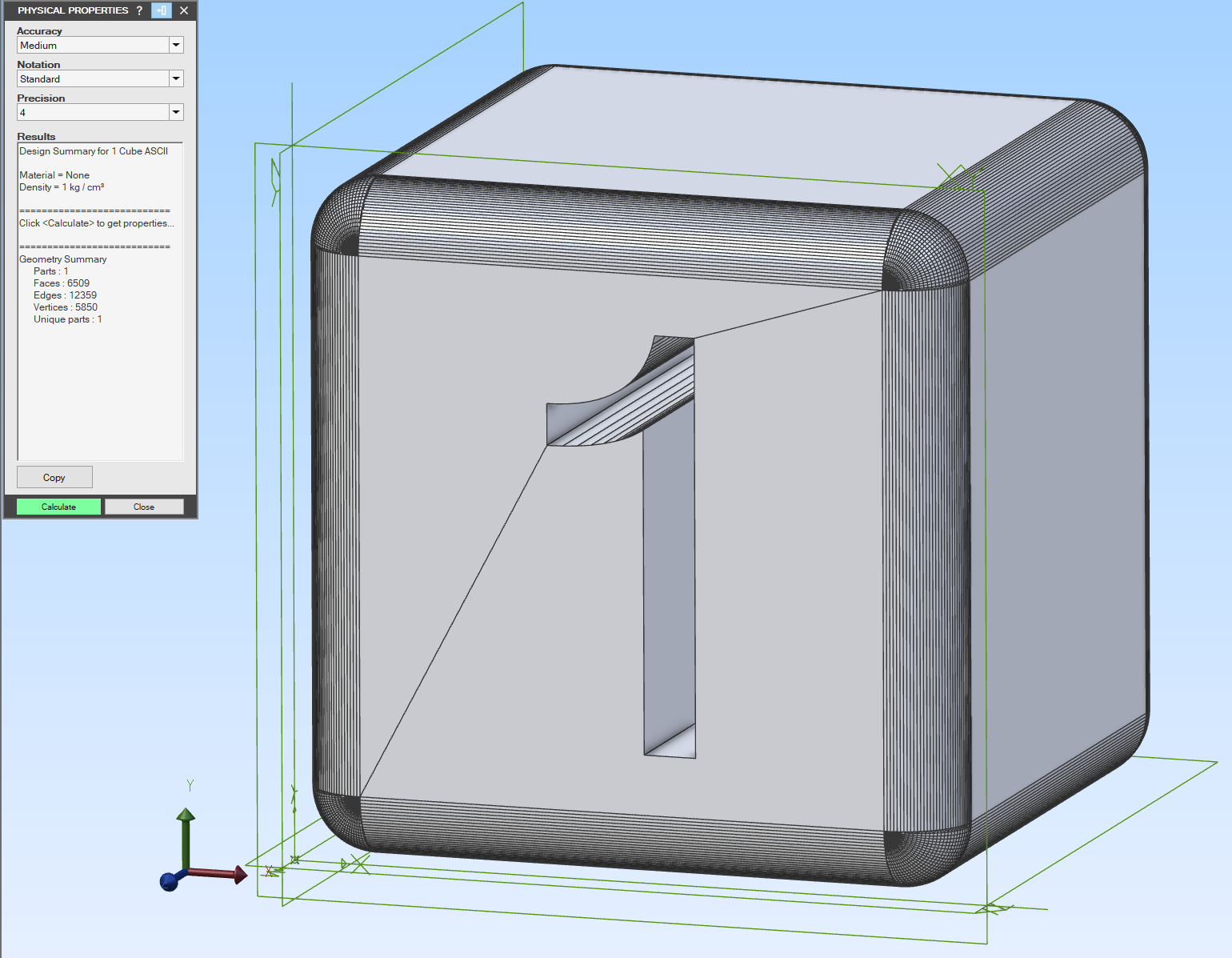
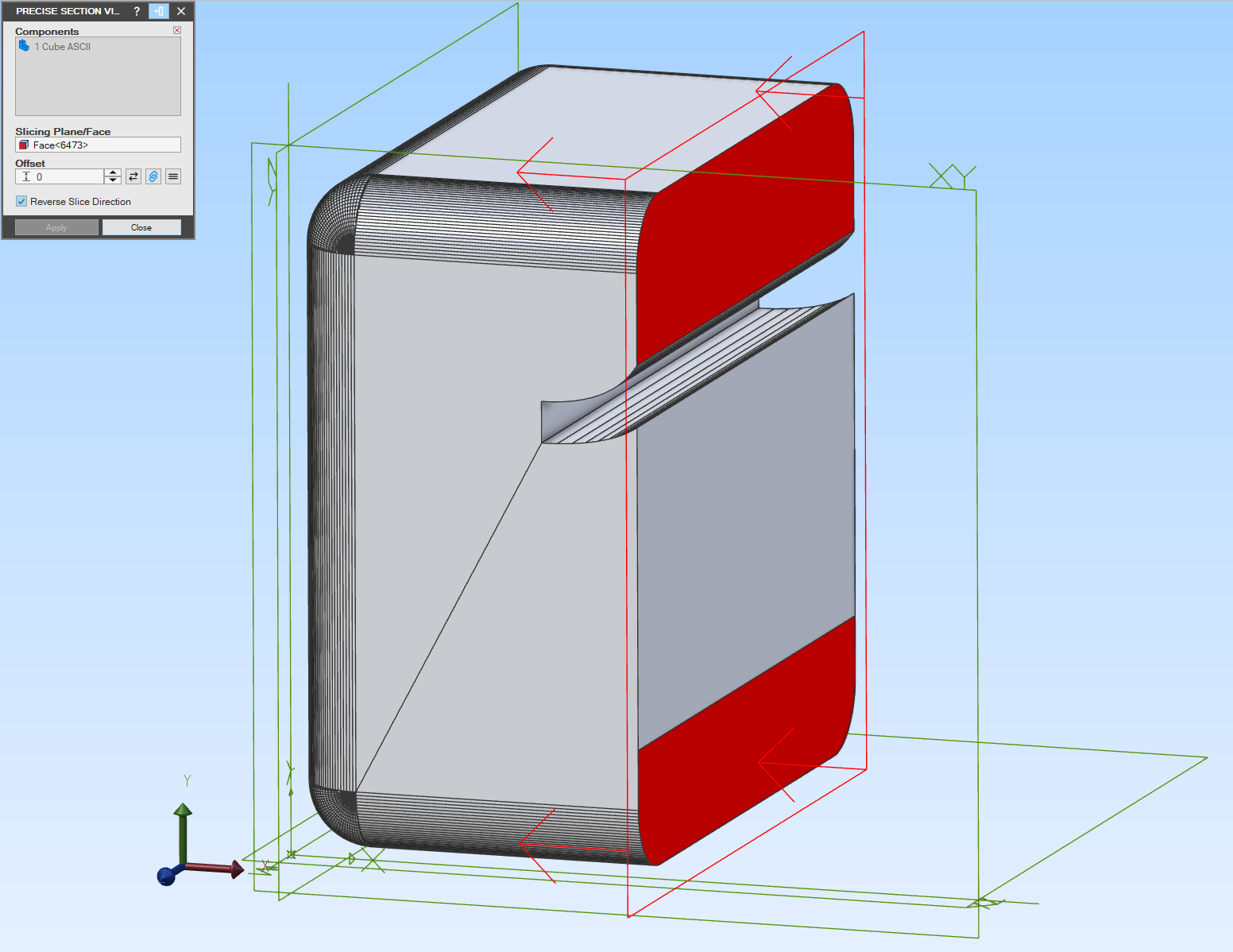
Supported file formats
✓ Supported N/A Not applicable
Import
| Format | ASCII | Binary | Single Mesh Only | Notes |
|---|---|---|---|---|
| 3ds | N/A | ✓ | ✓ | |
| 3mf | ✓ | N/A | N/A | Colour and Textures NOT Supported |
| asc | ✓ | N/A | ✓ | |
| ase | ✓ | N/A | ✓ | |
| coa | ✓ | N/A | ✓ | |
| cob | N/A | ✓ | ✓ | |
| dae | ✓ | N/A | ✓ | |
| dat | ✓ | N/A | N/A | Tecplot ASCII *.dat Format Only |
| geo | ✓ | N/A | N/A | Videoscape *.geo Format Only. Colour NOT Supported |
| glb | N/A | ✓ | ✓ | V1 & V2 Supported |
| gltf | ✓ | N/A | ✓ | GLTF using *.bin model file supported |
| gts | ✓ | N/A | N/A | GNU Triangulated Surface Format |
| iv | ✓ | N/A | ✓ | Open Inventor *.iv Format |
| lwo | N/A | ✓ | ✓ | V1 & V2 Supported |
| map | ✓ | N/A | ✓ | Quake .MAP Format |
| obj | ✓ | N/A | ✓ | |
| off | ✓ | N/A | N/A | OFF & NOFF (OFF With Normals) Supported |
| ply | ✓ | ✓ | N/A | PLY With Normals Supported |
| poly | ✓ | N/A | N/A | Silicon Graphics Mesh (Polyhedron) |
| raw | ✓ | N/A | N/A | Triangle List File Format *.raw Only |
| smf | ✓ | N/A | N/A | Simple Model Format |
| stl | ✓ | ✓ | N/A | Reads Entire STL File. STL Files With Header Start Of STLbn Supported |
| surf | ✓ | N/A | N/A | |
| tri | ✓ | N/A | N/A | Triangle List File Format |
| ts | ✓ | N/A | N/A | Original TSurf *.ts Format |
| tsurf | ✓ | N/A | N/A | |
| VRML (wrl) | ✓ | N/A | ✓ | V1 & V2 Supported |
| x3d | ✓ | N/A | ✓ | |
| xgl | ✓ | N/A | ✓ | |
| xsi | ✓ | N/A | ✓ |
Export
| Format | ASCII | Binary | Single Mesh | Notes |
|---|---|---|---|---|
| 3mf | ✓ | N/A | ✓ | Colour NOT Supported |
| iv | ✓ | N/A | ✓ | IV & IV With Normals Supported |
| lwo | N/A | ✓ | ✓ | Exports As LWO2 |
| off | ✓ | N/A | ✓ | OFF & NOFF Supported |
| ply | ✓ | N/A | ✓ | PLY & PLY With Normals Supported |
| VRML (wrl) | ✓ | N/A | ✓ | Exports As VRML 2.0 |
Try CompuPortAD free for 15 days!
Not sure if CompuPortAD is right for you? Try it free for 15 days without restrictions! CompuPortAD is a 64-bit .NetFramework 4.8 Add-On for Alibre Design
DOWNLOADSHA256 Checksum: f97809d0fbb33389b7a0a17f84c1600963b8f407eeaa14a85d004c0a5bc63b35
By default Windows will ‘block’ the installer due to being unsigned, if a blue screen appears, click ‘More Info’ and select ‘Run Anyway’. Alternatively, right-click on the file, select ‘Properties’ and then select ‘Unblock’, click ‘OK’ and then run the installer.
Intended workflow
The intended workflow for using CompuPortAD has two variants:
1. Re-Model (either in the same or a new part window)
2. Surface method. Create surfaces from solid, stitch surfaces to solid (doesn’t work on some models due to source file mesh integrity issues that aren’t 100% fixable)
INTENDED WORKFLOW: 1. Re-Model
Re-Model Workflow
The primary workflow is to re-model the part so we have a native file that can be easily edited.
If you wish to re-model in a new part window, simply do the first three steps below in the same ‘Part’ window as the mesh, then open a new ‘Part’ window, create the planes in that window. Edit each sketch so you can copy and paste each sketch into sketches in the new ‘Part’ window, then perform the remaining steps in that new ‘Part’ window to successfully re-model the part.
1. Use CompuPortAD to import the mesh
From the Alibre Design Home window, create a new ‘Part’. Select the ‘CompuPortAD’ tab (use the Add-On Manager to enabled CompuPortAD if you don’t see it). Use the relevant importer to import your mesh file, CompuPortAD will process the file, close the ‘Part’ window and import the result which will open a new ‘Part’ window displaying the CompuPortAD File Import
3. Create Sketches
Create sketches on the relevant planes and leverage the ‘Project to Sketch’ function to directly obtain precise geometry from the mesh
5. Apply features
Create the features in order using the values you took note of. As you create the features with your sketches and notes, you will create the model
2. Create planes as needed using offsets from the initial planes
Best practice is to use the ‘measurement’ tool to determine the offsets to create planes offset from the initial planes
4. Note all feature dimensions required
Once the sketches are all made, you need to use the ‘measurement’ tool to determine the distances that will be used by features such as ‘extrude’, ‘extrude cut’, ‘hole’, etc. as they can only be applied once you ‘suppress’ the ‘CompuPortAD File Import’ feature
6. Remove: CompuPortAD File Import
Once the part has been fully modelled natively, right-click on the ‘CompuPortAD File Import’ feature and select ‘Delete’. Save your file
INTENDED WORKFLOW: 2. Surface Method
Surface Method Workflow
The secondary workflow is to use Alibre Design’s surface tools to make the part easily editable. This workflow doesn’t work for all parts, only trial and error will work as this method requires perfectly watertight meshes before, during and after import (best results come from exports from CAD software). If this method fails, use Intended Workflow 1.
Intended Workflow: 1. Re-Model1. Use CompuPortAD to import the mesh
From the Alibre Design Home window, create a new ‘Part’. Select the ‘CompuPortAD’ tab (use the Add-On Manager to enabled CompuPortAD if you don’t see it). Use the relevant importer to import your mesh file, CompuPortAD will process the file, close the ‘Part’ window and import the result which will open a new ‘Part’ window displaying the CompuPortAD File Import
3. Stitch to solid
Click ‘Stitch’, ensure the surface is selected, change the stitch option to ‘Stitch to Solid’ and click ‘Ok’. You will now have a single solid body model that can be modified by Alibre Design
2. Create surface from solid
Select the ‘Surface’ tab, and click ‘Convert Solid to Surface’. This will create a surface from the mesh.
Download CompuPortAD!
CompuPortAD is a 64-bit .NetFramework 4.8 Add-On for Alibre Design
DOWNLOADSHA256 Checksum: f97809d0fbb33389b7a0a17f84c1600963b8f407eeaa14a85d004c0a5bc63b35
By default Windows will ‘block’ the installer due to being unsigned, if a blue screen appears, click ‘More Info’ and select ‘Run Anyway’. Alternatively, right-click on the file, select ‘Properties’ and then select ‘Unblock’, click ‘OK’ and then run the installer.
Pricing
CompuPortAD is licenced per major version. This means if you buy a licence for v1.0.0.0, that licence will activate all versions up to and including v1.9.9.9.
CompuPortAD Licences do NOT expire!
Availability
CompuPortAD is currently only available through our Authorized Distributer MicroDerm. The buy button below will take you to their product page. Licences purchased will however be delivered to you via email from Compupal®.
* CompuPortAD Individual / Small Home Business licences are $385 AUD if buyer is in Australia due to 10% GST. If you live outside Australia, CompuPortAD will be $350 AUD
Educational Institution
$ 2500 aud
Most popular
- Licenced to educational institution
- Non-commercial use only
- Version locked (1.*.*.*)
- 100% offline licence
- Install On Every Computer The Institution Owns
Individual / Small Home Business
$ 350 aud*
Most popular for Individuals and Small Home Businesses
- Licenced to individual user
- ** Commercial use permitted **
- Version locked (i.e. 1.*.*.*)
- Licence does NOT expire!
- 100% offline licence
- Install On Every Computer You Personally Use
Company
$ 5000 aud
Most popular
- Licenced to company
- ** Commercial use permitted **
- Version locked (i.e. 1.*.*.*)
- 100% offline licence
- Install On Every Computer The Company Owns